
Download Windows POS Software for Salon, Barbershop, Spa & Studio
Looking for a Windows POS software download for your salon, barbershop, spa or studio? You are in the right place. The SoftBela app for Windows downloads in minutes, works on touch screens or with a mouse, and prints receipts and invoices straight to your printer — no print dialogs.
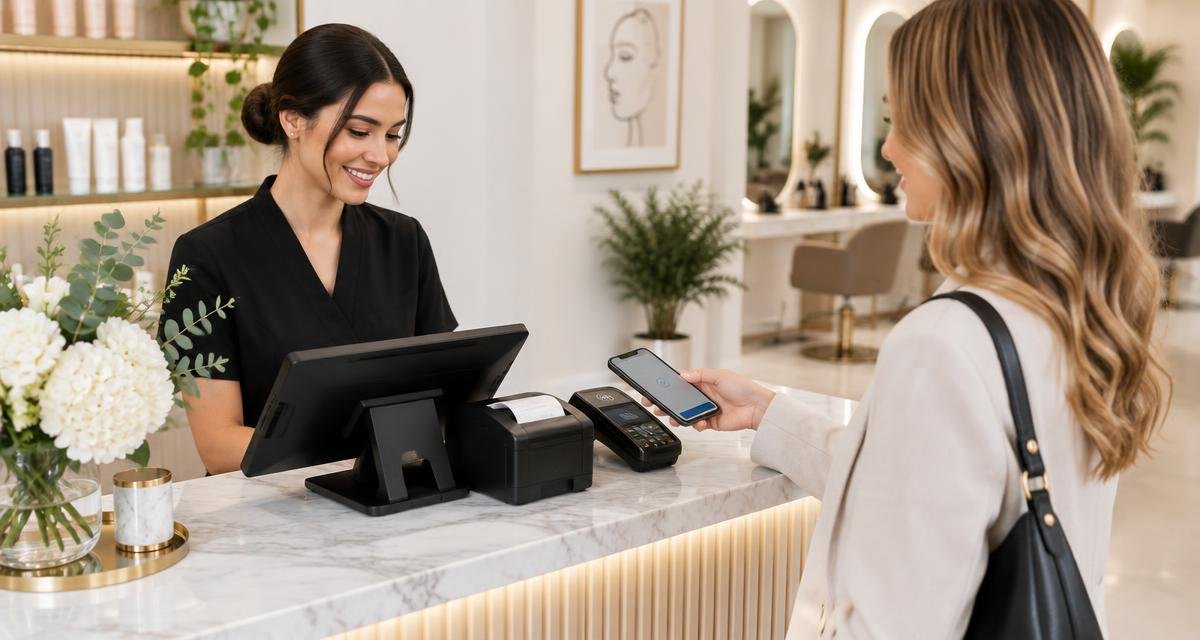
How to download and install
The download is free and takes less than two minutes:
- Click the "Download for Windows" button at the bottom of this page
- Open SoftBela-Setup.exe and follow the installer
- Sign in with your SoftBela account
- Click "Detect printers" so the app picks your receipt and A4 printers
- Run a test print and start selling
One POS for every kind of business
Hair salon: services and products on the same receipt, with loyalty points and client credit.
- Barbershop: fast walk-in checkout, with barber commission calculated on every sale
- Spa: treatment packages, gift cards and per-client invoicing
- Beauty or tattoo studio: checkout per professional and per location, with separate reports
Direct printing, no print dialogs
The Windows app detects the printers installed on your computer and automatically assigns the thermal receipt printer and the A4 invoice printer. Every receipt goes straight to the right printer — browsers cannot do this.
System requirements
Windows 10 or 11 (64-bit), an internet connection and, optionally, a 58 or 80 mm thermal receipt printer. The app updates itself: when a new version ships, your installed app updates on launch.
Windows app or browser?
You can run SoftBela in the browser on any computer. The Windows app is for front desks with hardware: it adds direct receipt and invoice printing and opens full screen for touch mode. Everything else is identical in both.
Frequently asked questions
- Is the download free?
- Yes. The Windows app is free; SoftBela includes a 7-day free trial and then a monthly subscription per salon.
- Will it work in my small barbershop?
- Yes. Many barbershops run on a single computer with the Windows app and one thermal printer.
- Do I need a printer?
- No. The POS works without one, but with the Windows app you can connect a thermal and an A4 printer in two clicks.
Download SoftBela for Windows and print your first receipt today.
Download for Windows